General Quick Start Guide
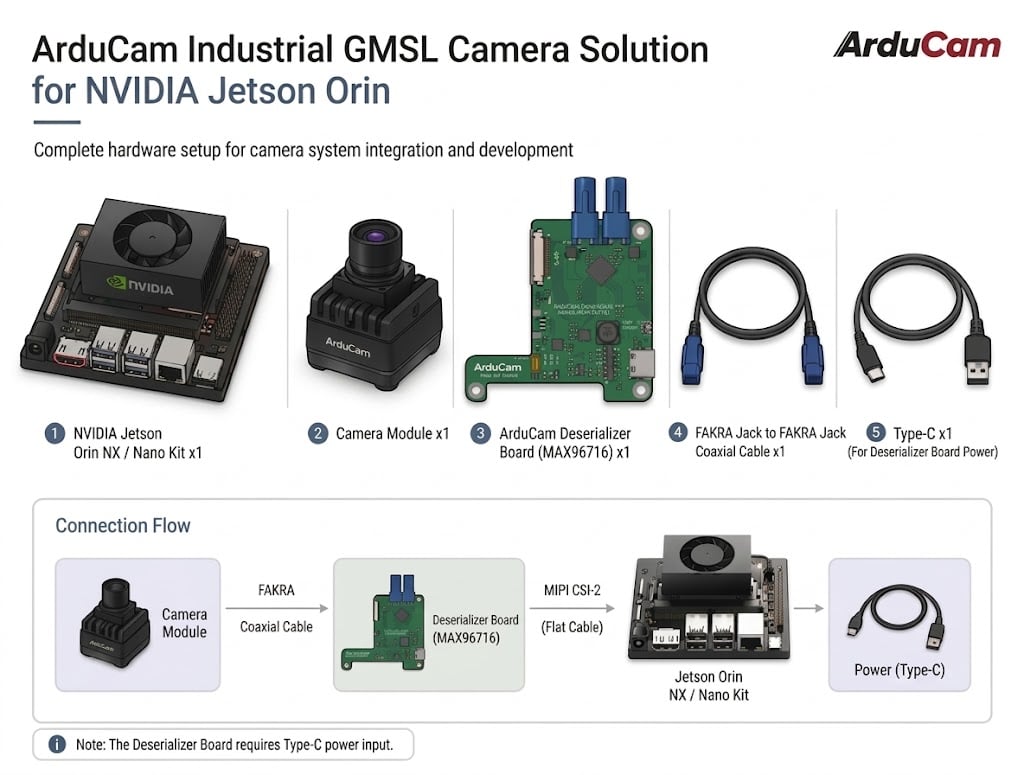
Hardware Preparation
- NVIDIA Jetson Orin NX/Nano Kit *1
- e.g. Arducam RapidRange G2 GMSL2 Camera *1
- ArduCam Deserializer Board (MAX96716) *1
- FAKRA jack to FAKRA jack coaxial cable *1
- USB Type-C x1 (for powering the Deserializer Board)
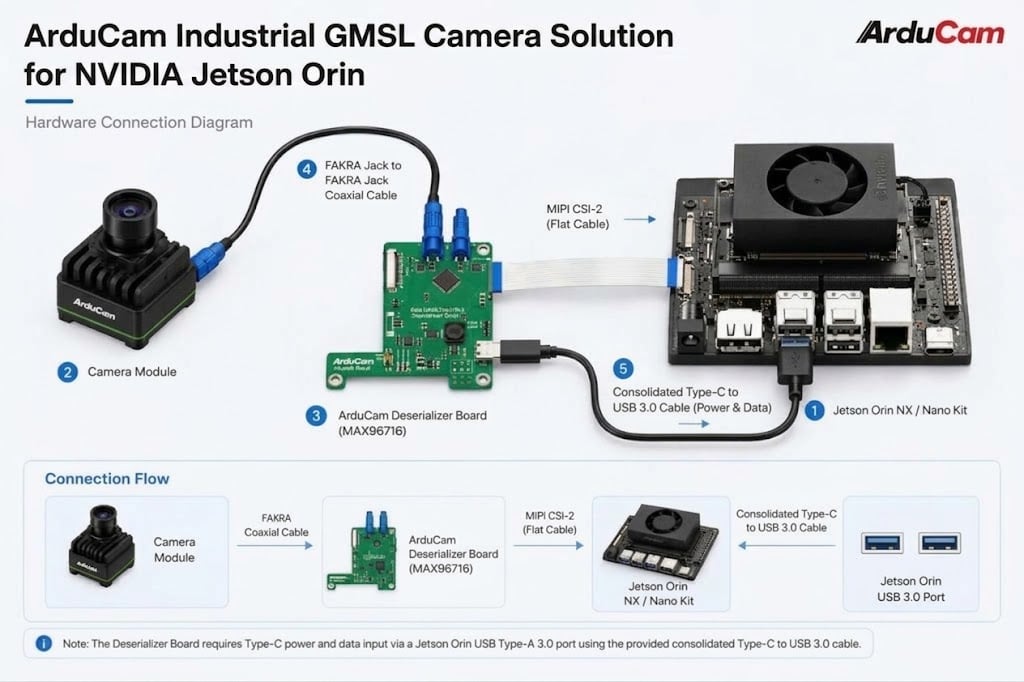
Hardware Connection
Note
Only the MIPI port closest to the power supply is usable.
B0672-4K HDR GMSL2 Camera
| Product Image | SKU | Resolution | Frame Rate | Extension Cable | Extension Range | Focus Type | Field of View(DxHxV) | IR Sensitivity | Power Consumption |
|---|---|---|---|---|---|---|---|---|---|
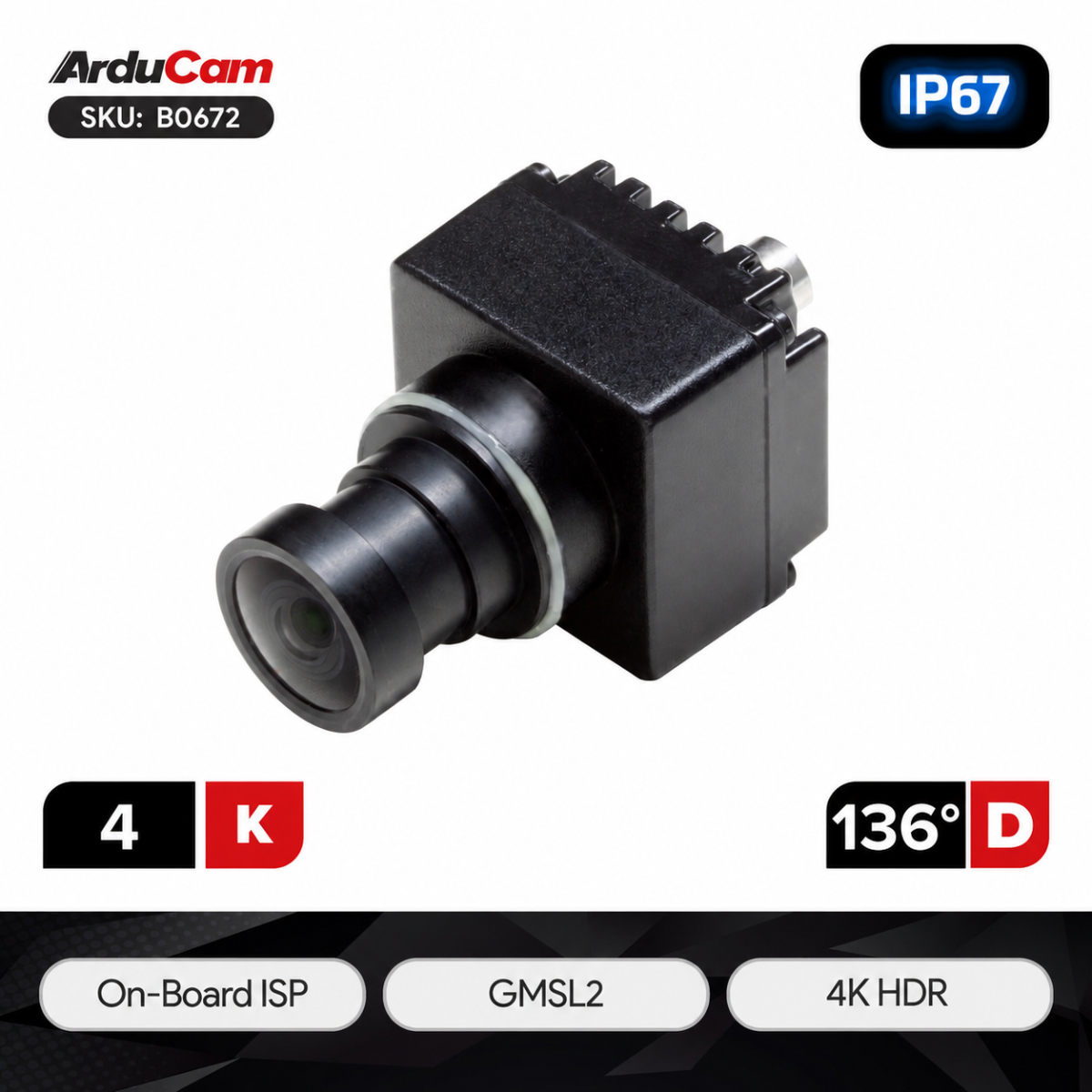 |
B0672 | 4K | 3840x2160@30fps | Coax Cable | up to 15m | Fixed Focus | 136 °(D)×120 °(H)×65.5 °(V) | Integral 650nm IR Filter | Max: 3W |
Preparation
Warning
Currently only supports NVIDIA JETSON LINUX Version: `36.5.0 and above`.
Command to check JETSON LINUX Version: `cat /etc/nv_tegra_release`
JETSON LINUX Version: 36.5.0

Installation
wget https://github.com/ArduCAM/MIPI_Camera/releases/download/v0.0.3/install_full.sh
chmod +x install_full.sh
./install_full.sh -m b0672_gmsl
Reboot
After installation, restart Jetson Orin NX/Nano.
Use the ls command to check if the camera is recognized:
ls /dev/video*

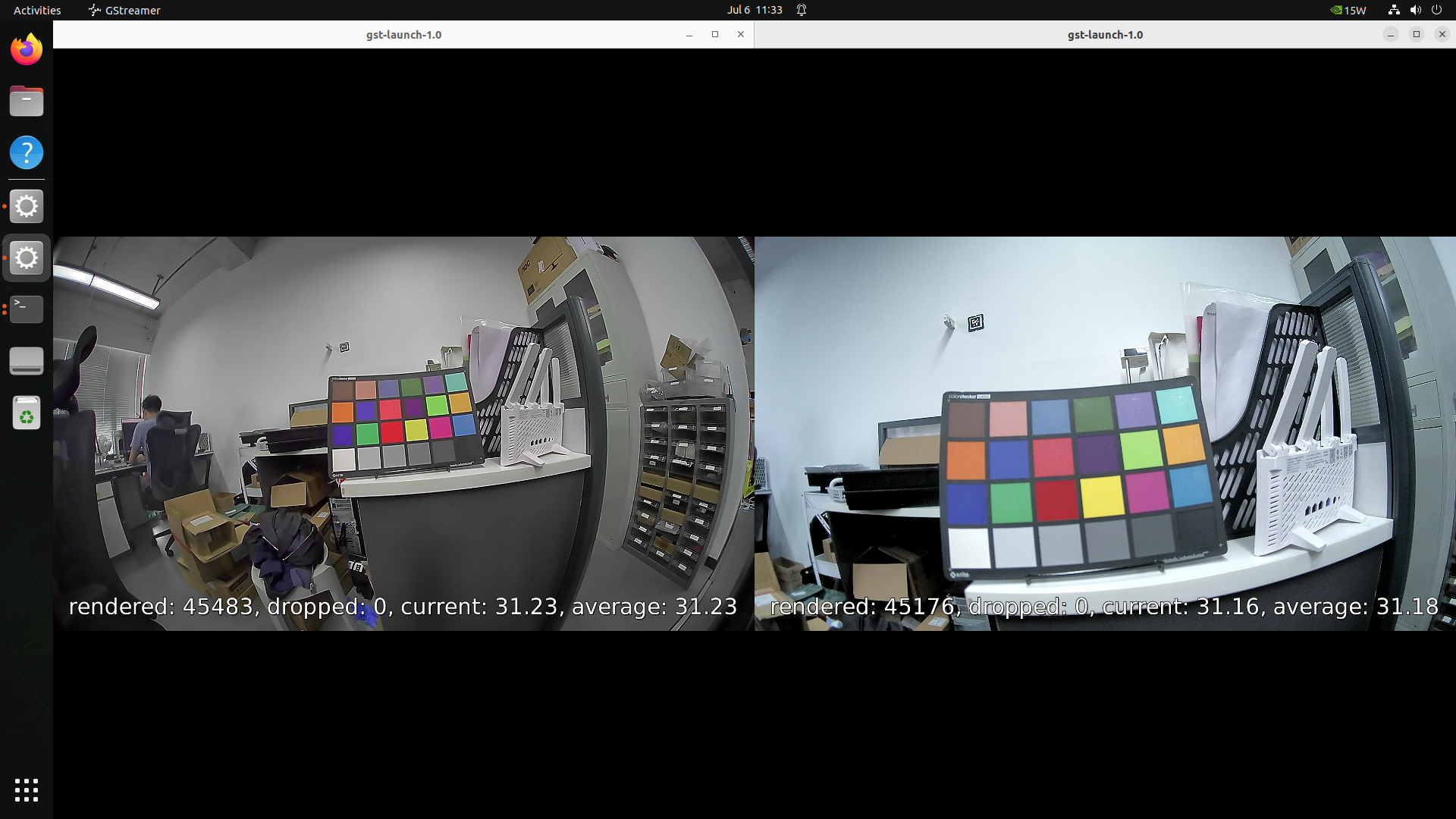
Connecting two cameras simultaneously:

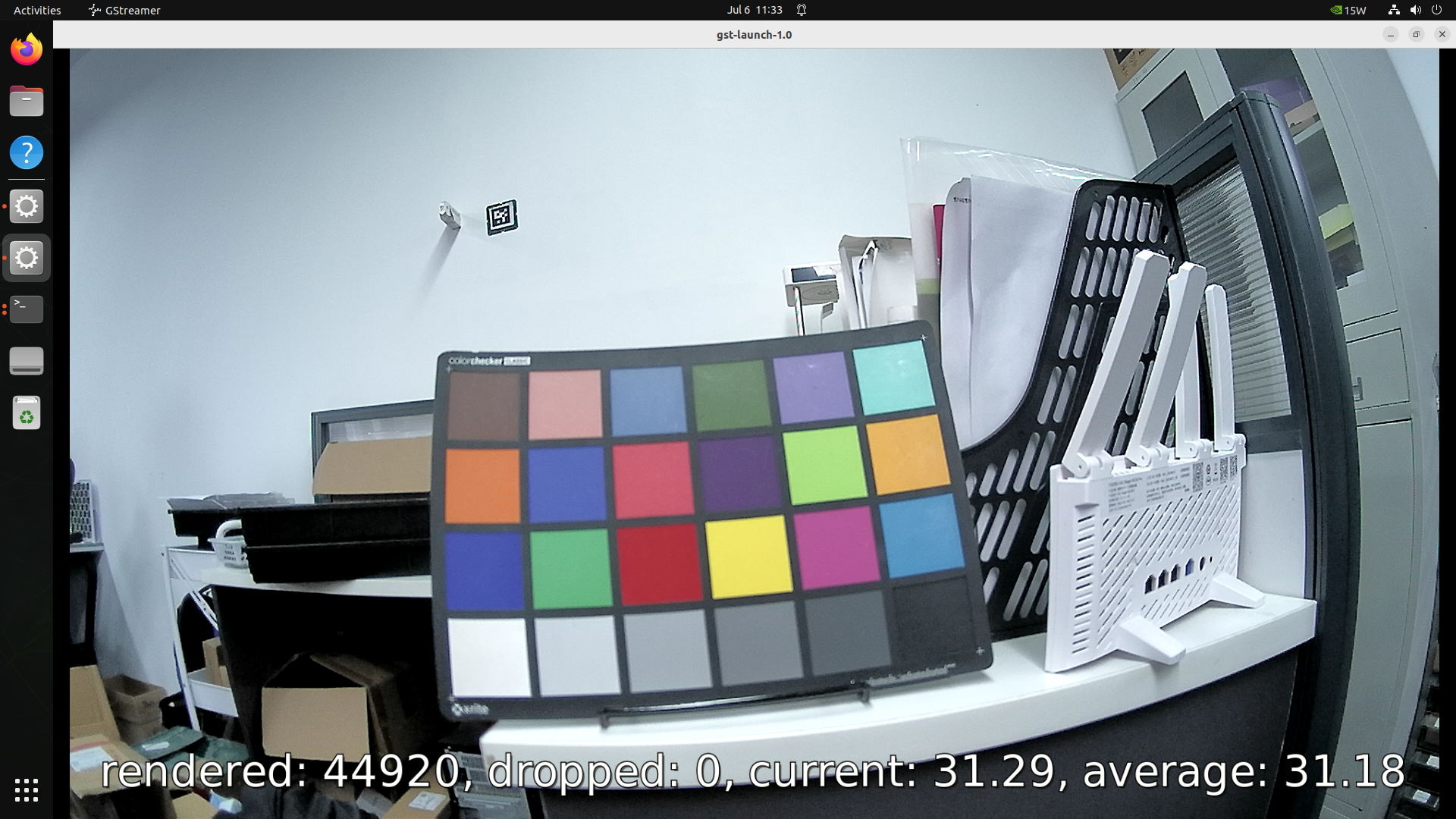
Preview
gst-launch-1.0 v4l2src device="/dev/video0" io-mode=mmap ! "video/x-raw, width=3840, height=2160, format=(string)UYVY" ! fpsdisplaysink sync=false -e


B0673 & B0674
| Product Image | SKU | Resolution | Frame Rate | Extension Cable | Extension Range | Focus Type | Field of View(DxHxV) | IR Sensitivity | Power Consumption |
|---|---|---|---|---|---|---|---|---|---|
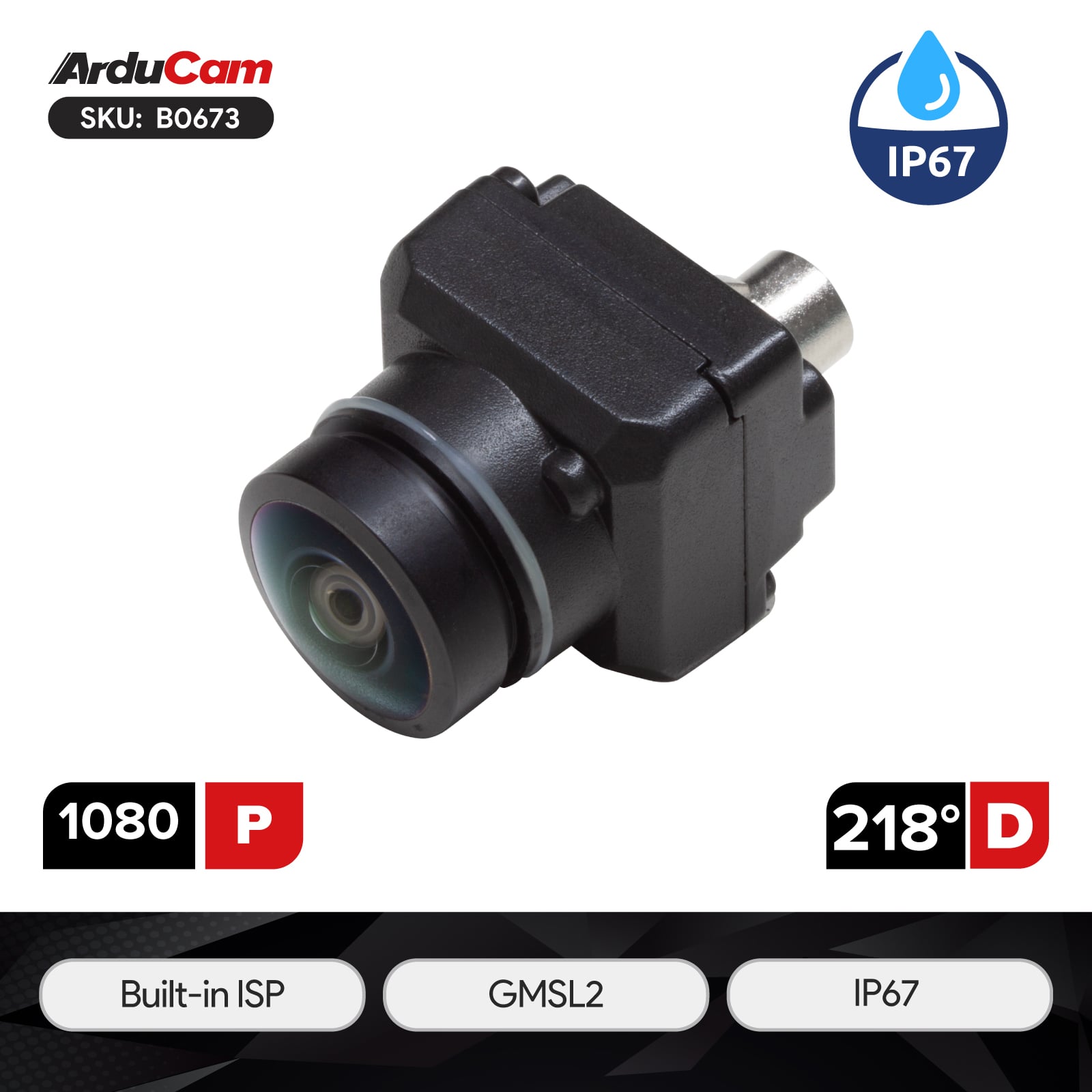 |
B0673 | 1080P | 1920x1080@30fps | Coax Cable | up to 15m | Fixed Focus | 218 °(D)×195 °(H)×154 °(V) | Integral 650nm IR Filter | Max: 1W |
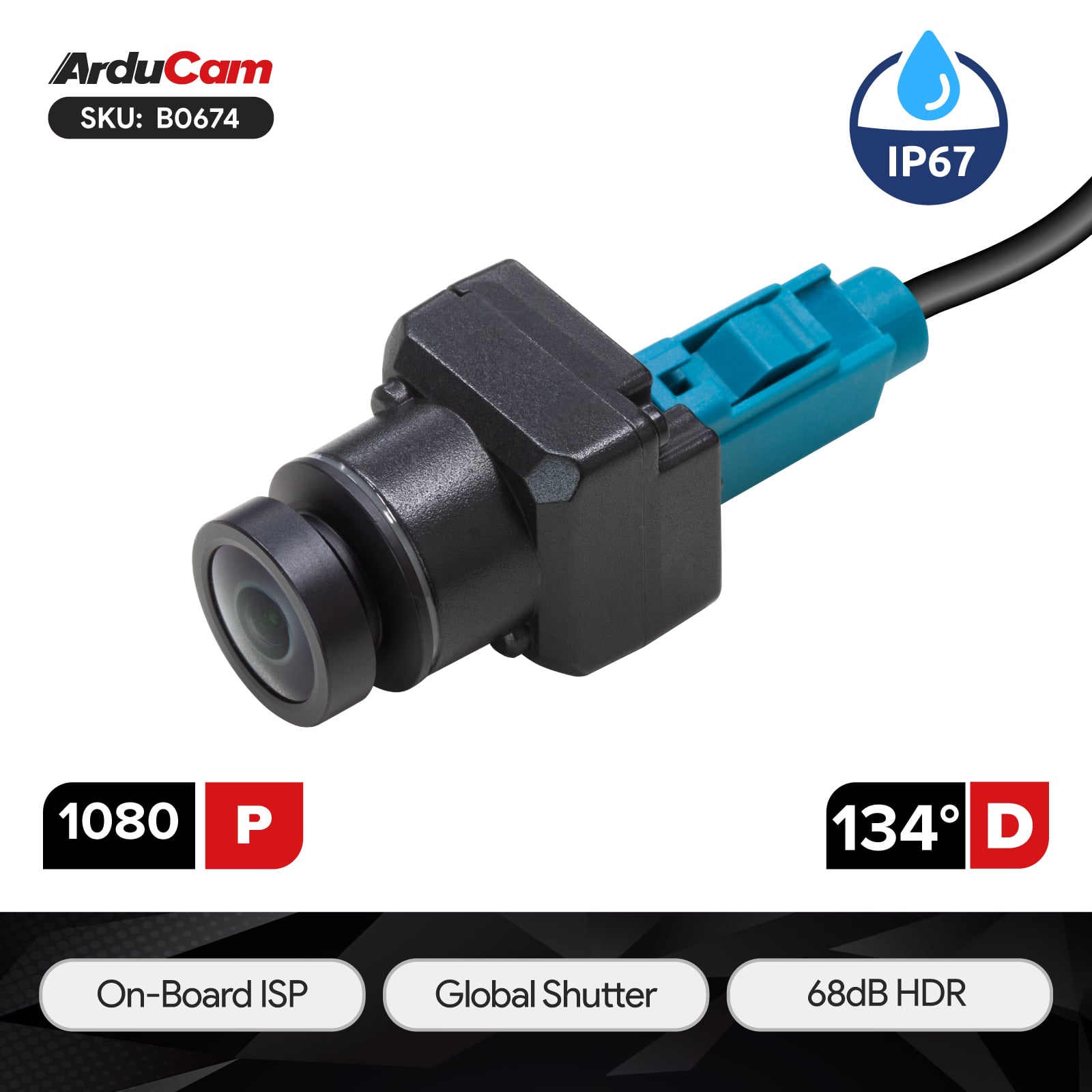 |
B0674 | 1080P | 1920x1080@30fps | Coax Cable | up to 15m | Fixed Focus | 134 °(D)×120 °(H)×64 °(V) | Integral 650nm IR Filter | Max: 1.2W |
Preparation
Warning
Currently only supports NVIDIA JETSON LINUX Version: `36.5.0 and above`.
Command to check JETSON LINUX Version: `cat /etc/nv_tegra_release`
JETSON LINUX Version: 36.5.0

Installation
wget https://github.com/ArduCAM/MIPI_Camera/releases/download/v0.0.3/install_full.sh
chmod +x install_full.sh
./install_full.sh -m b0673_b0674_gmsl
Reboot
After installation, restart Jetson Orin NX/Nano.
Use the ls command to check if the camera is recognized:
ls /dev/video*
Connecting two cameras simultaneously:
Preview
gst-launch-1.0 v4l2src device="/dev/video0" io-mode=mmap ! "video/x-raw, width=1920, height=1080, format=(string)UYVY" ! fpsdisplaysink sync=false -e
- B0673:
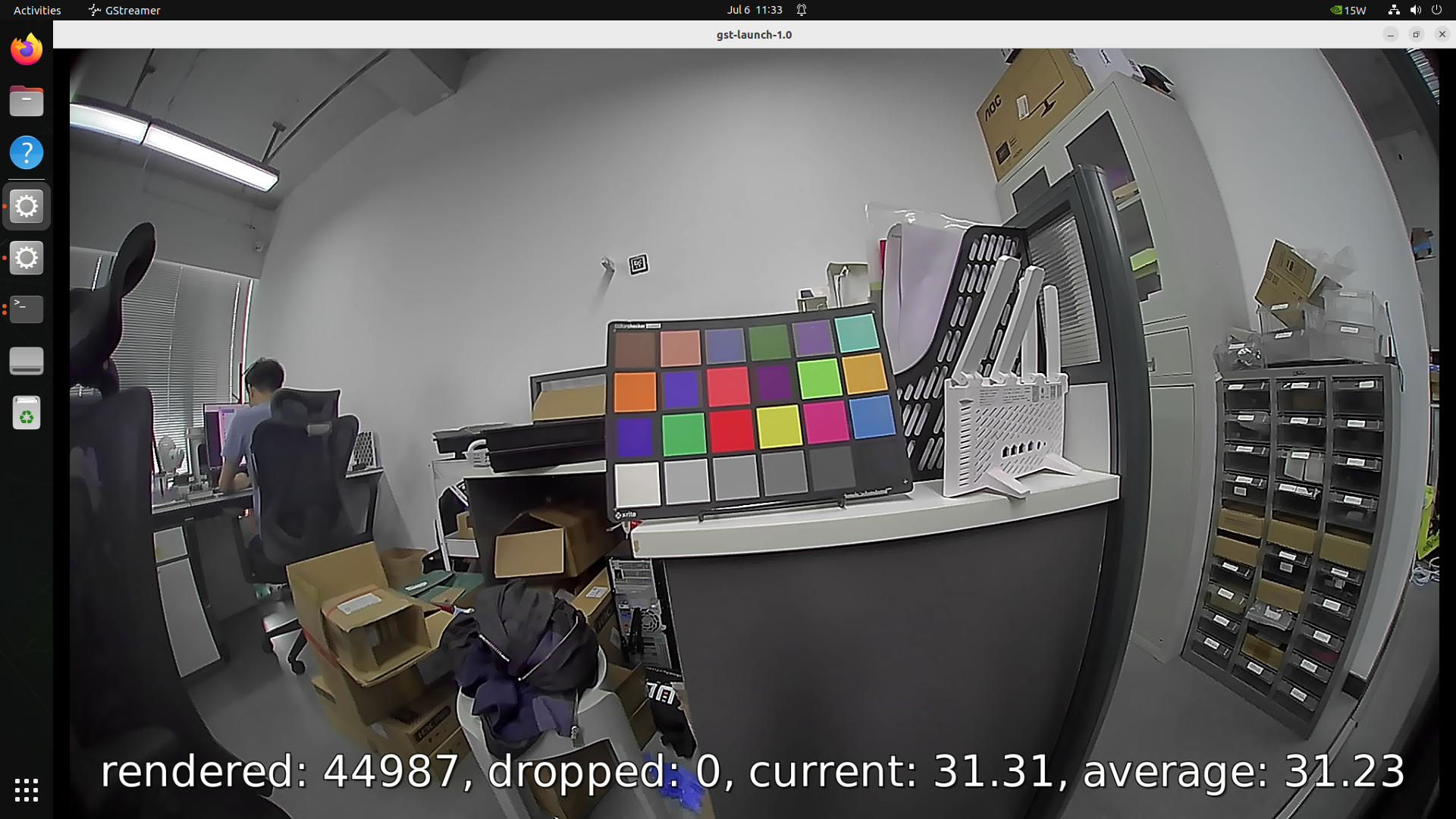
- B0674: